
Download Control Salud – medical monitoring, patient records, appointment scheduling, ophthalmology, pediatrics, doctor tools, healthcare utility, medical records management, doctor app, health monitoring
Overview
Control Salud is a mobile application designed to support healthcare professionals in managing patient data and streamlining clinical workflows. Tailored for medical specialists, including those in ophthalmology and pediatrics, the app serves as a digital tool for organizing patient records and scheduling appointments. By centralizing essential medical information, it reduces the administrative burden on doctors, allowing them to dedicate more time to patient consultations. The app is particularly useful in fast-paced clinical environments where quick access to patient histories and appointment details is critical.
It addresses common challenges in healthcare documentation, such as fragmented records, missed appointments, and inefficient communication between providers and patients. With its focus on medical monitoring and record management, Control Salud enhances data accessibility and continuity of care. The application is intended for use by doctors, medical assistants, and healthcare practitioners who manage patient cases across multiple specialties.
Developed by Dr. Luis A. González, the app reflects a clinical perspective in its design, emphasizing functionality over flashy visuals.
Although the developer did not provide additional background on their medical practice or organization, the app’s purpose is clearly aligned with improving clinical efficiency. Real-world use cases include managing follow-up visits for pediatric patients, tracking eye health metrics, and coordinating appointments across multiple providers. In the broader healthcare app ecosystem, Control Salud fills a niche for lightweight, specialty-specific tools that prioritize usability and data integrity.
Key Features & Functionality
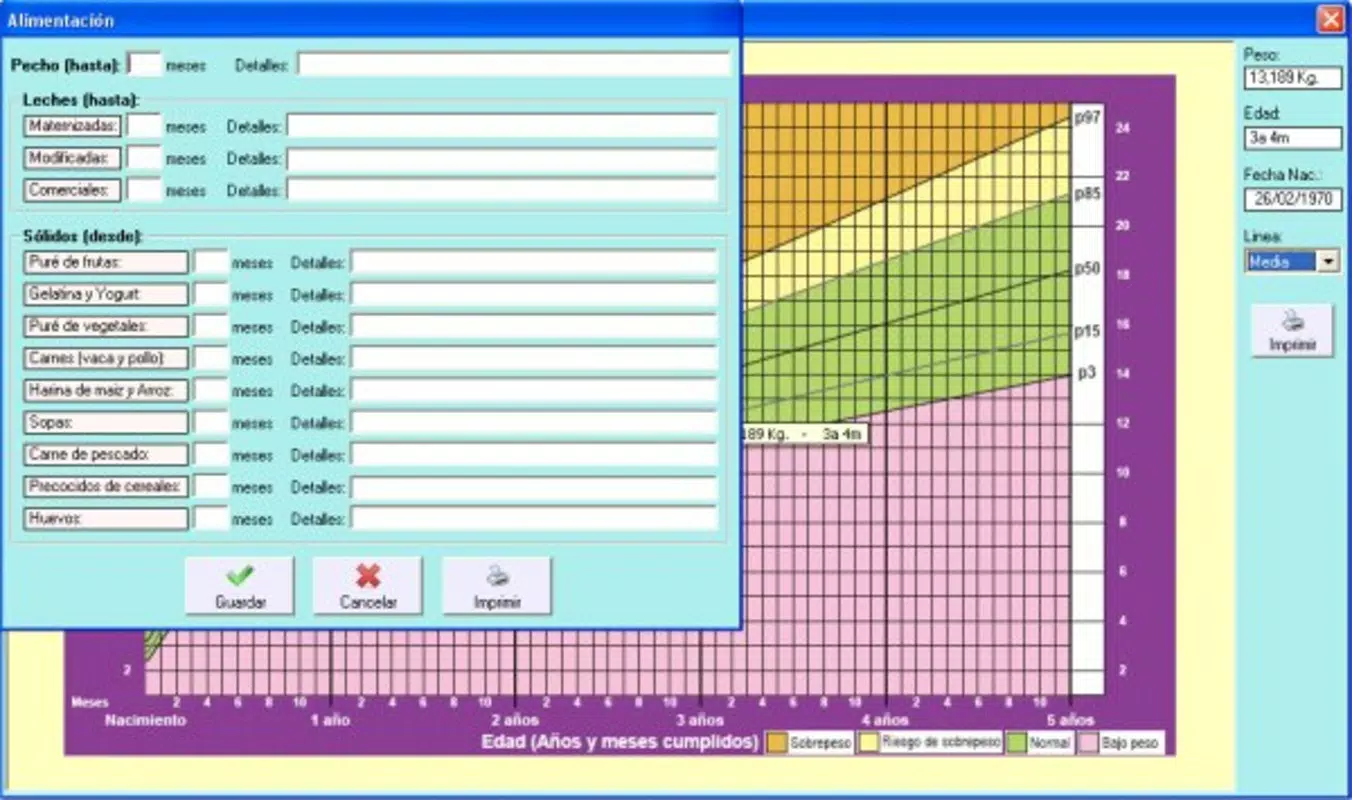
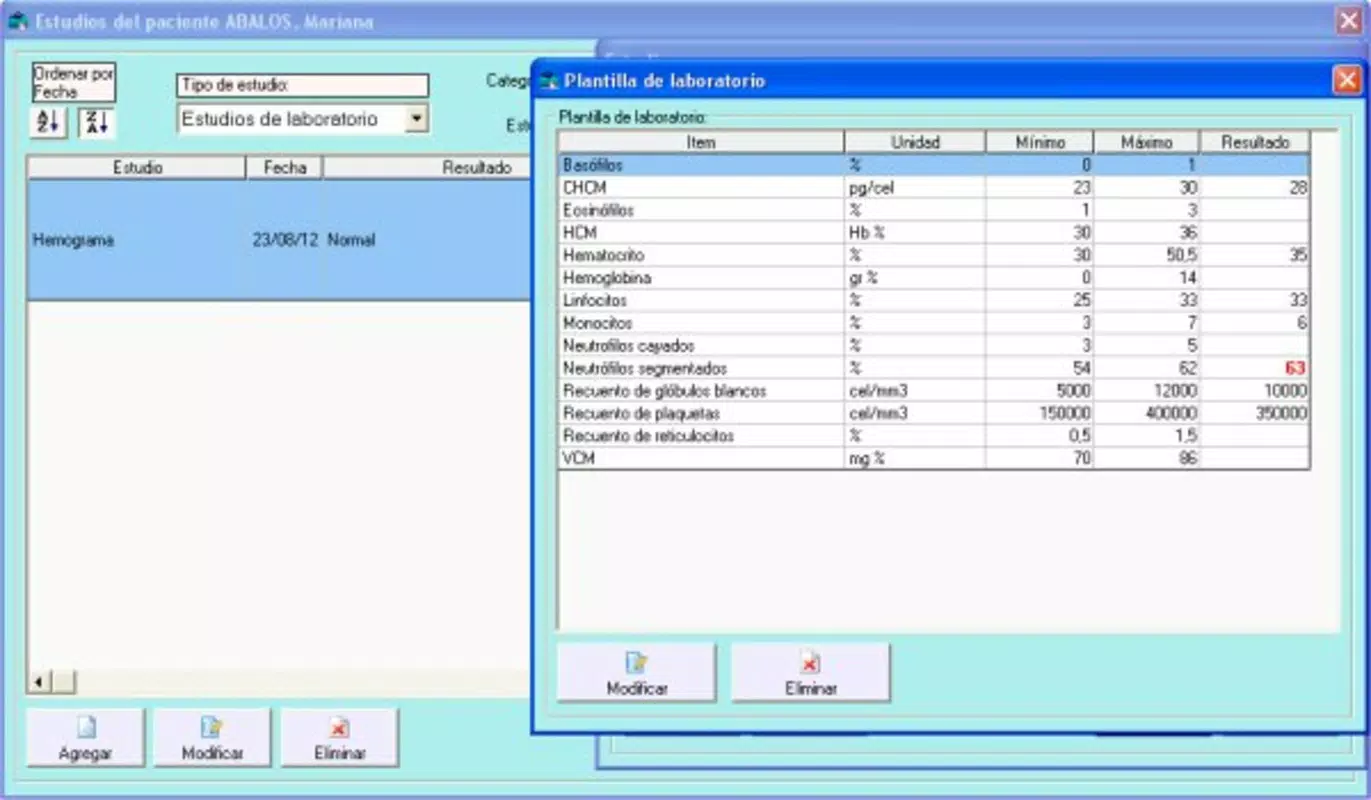
- Comprehensive Medical Records Management: The app enables users to store and retrieve detailed patient histories, diagnoses, treatments, and test results. This centralized system ensures that all relevant medical information is available during consultations, supporting accurate decision-making. For example, a pediatrician can quickly review a child’s vaccination history and growth charts.
- Appointment Scheduling System: Control Salud allows doctors to schedule, reschedule, and track patient appointments. This feature helps reduce no-shows and optimizes clinic workflow by providing real-time visibility into availability. A specialist in ophthalmology could use this to manage recurring eye exams for patients with chronic conditions.
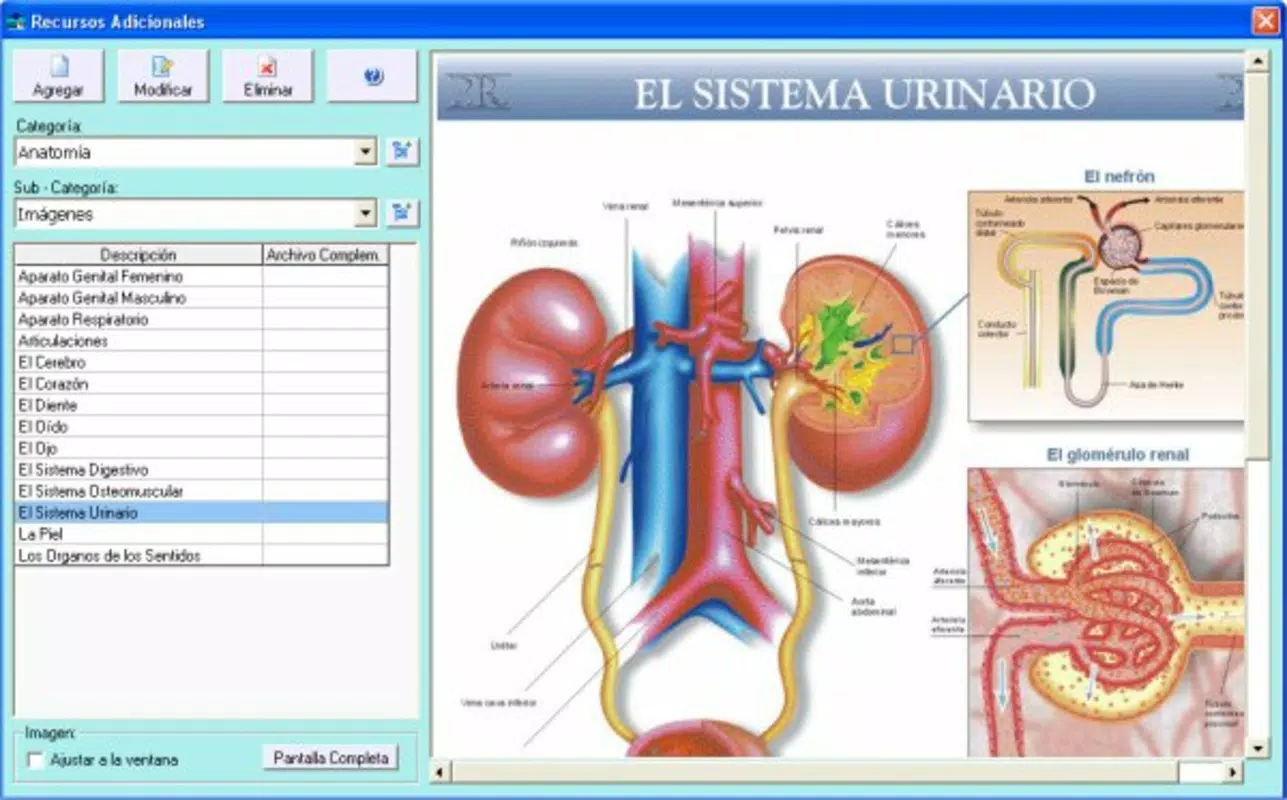
- Visual Communication Aids: The application includes graphical tools that assist in explaining medical conditions and treatment plans. These visual elements can be used during consultations to clarify complex health data, improving patient understanding and engagement. For instance, a doctor could display a diagram of eye anatomy to explain a diagnosis to a patient.
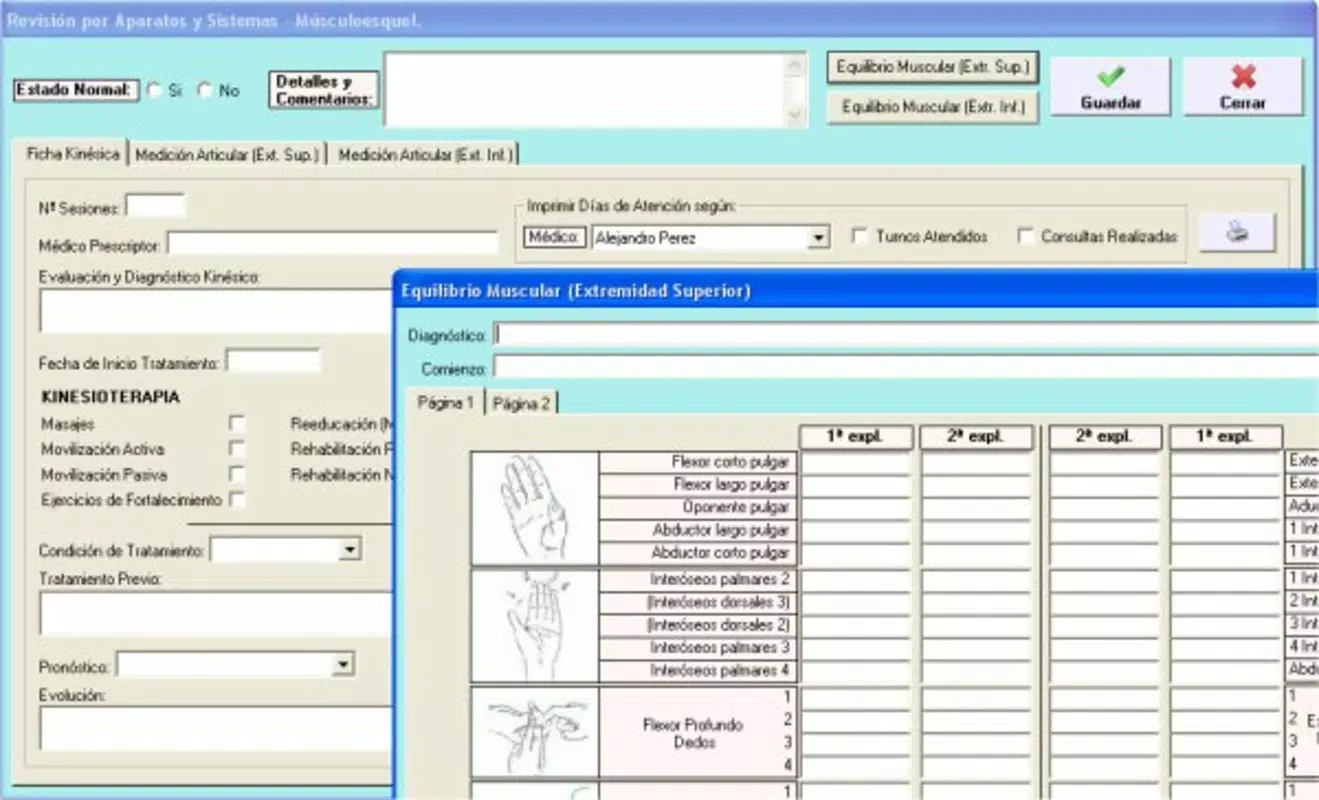
- Specialty-Focused Design: Built with ophthalmology and pediatrics in mind, the app supports workflows specific to these fields. It accommodates age-specific records, developmental milestones, and vision assessment data, making it adaptable to the unique needs of younger patients and eye care professionals.
These features collectively support a more organized and patient-centered approach to medical practice. The integration of visual tools and specialty-specific functions demonstrates a thoughtful design strategy aimed at enhancing both provider efficiency and patient communication.
Interface, UX & Performance
The user interface of Control Salud reflects a functional, no-frills design that prioritizes access to core features over aesthetic polish. While the visual style may appear slightly outdated compared to modern mobile applications, it maintains a clear layout with logical navigation paths. Users can move between patient records, appointment calendars, and communication tools with minimal steps, which supports efficient use in time-sensitive clinical settings.
Navigation is structured around a main menu that organizes key functions, allowing medical professionals to quickly locate needed tools. The app’s responsiveness appears consistent across different device categories, though the developer did not list formal performance metrics. Although the developer did not list formal performance metrics, the app’s lightweight size of 43.1 MB suggests optimized resource usage, which may contribute to stable performance on a range of Android devices.
Stability is implied by the app’s long-standing presence since its release in 2017, indicating that it has maintained basic functionality over time. However, no information was provided about crash rates, update frequency, or user feedback on reliability. The user experience remains focused on utility, with minimal distractions—ideal for professionals who need reliable access to medical data without unnecessary features.
Platform Compatibility & Technical Requirements
Control Salud is available exclusively on the Android platform. The app requires Android OS, though specific version requirements were not listed by the developer. The file size is 43.1 MB, which is relatively compact for a medical application with record-keeping and scheduling features. This size suggests efficient code architecture and limited use of high-resolution assets, contributing to faster downloads and lower storage demands.
Given its release date of October 19, 2017, the app has been in use for several years, indicating a degree of long-term stability. However, compatibility with newer Android versions or future security updates has not been confirmed. The developer did not specify minimum OS requirements, nor did they provide information on device compatibility beyond the platform. Users should exercise caution when installing on devices running outdated Android versions.
Pros and Cons
Pros
- Free to download and use, reducing barriers to adoption for medical professionals.
- Designed with specific medical specialties like ophthalmology and pediatrics in mind.
- Centralized medical records and appointment scheduling improve clinical workflow efficiency.
- Lightweight file size (43.1 MB) ensures compatibility with lower-end Android devices.
- Includes visual aids to support patient communication and understanding.
Cons
- Interface may appear outdated compared to modern healthcare apps.
- Specific technical requirements and OS compatibility were not disclosed.
- No information was provided about update frequency or long-term maintenance plans.
- Platform availability is limited to Android, excluding iOS users.
- Limited visibility into performance metrics or user feedback data.
FAQ
Is Control Salud safe to use for medical data?
The app handles sensitive patient information, but the developer did not provide details on data encryption, cloud storage, or compliance with healthcare privacy regulations such as HIPAA. Users should exercise caution and avoid storing highly sensitive data without verifying security measures.
Can I use Control Salud on iOS devices?
Currently, the app is only available for Android. There is no indication of an iOS version in the provided information.
How often is Control Salud updated?
The developer did not specify the update frequency. The app was last released on October 19, 2017, but no information is available on whether newer versions have been issued since then.
Is Control Salud free to download?
Yes, the app is available at no cost. There are no in-app purchases or subscription fees listed.
What kind of devices can run Control Salud?
The app has a file size of 43.1 MB, which suggests compatibility with a wide range of Android devices. However, specific device requirements were not disclosed by the developer.
Final Thoughts
Control Salud presents a practical solution for healthcare providers seeking a lightweight, specialty-focused tool for managing patient records and appointments. Its design prioritizes functionality and accessibility, making it a viable option for doctors in ophthalmology and pediatrics who need a reliable system without the complexity of larger medical software suites. While the interface may lack modern polish, the app delivers core features essential for clinical efficiency.
For medical professionals looking to streamline administrative tasks and improve patient communication, Control Salud offers a straightforward, cost-free alternative. Its focus on medical monitoring, record management, and appointment scheduling aligns with the daily needs of practitioners in fast-paced environments. Despite the absence of detailed technical information, the app’s long-standing presence suggests a level of stability and utility.
Download Control Salud now


